Most B2B companies that tell me "Google Ads doesn't work for us" are not wrong about the result. They are paying for clicks from job seekers, students and people who will never buy, then counting every form fill as a win. This guide covers how I set up Google Ads for B2B so the spend turns into qualified pipeline: structure, match types, bidding, landing pages, Performance Max and a weekly checklist you can run yourself.
Why most Google Ads for B2B accounts waste money
B2B search volume is small. A keyword that matters to you might get a few hundred searches a month in India, and a large share of those searches are not from buyers. Google is happy to fill the gap with loosely related traffic if you let it.
The usual leaks I find in an audit look like this:
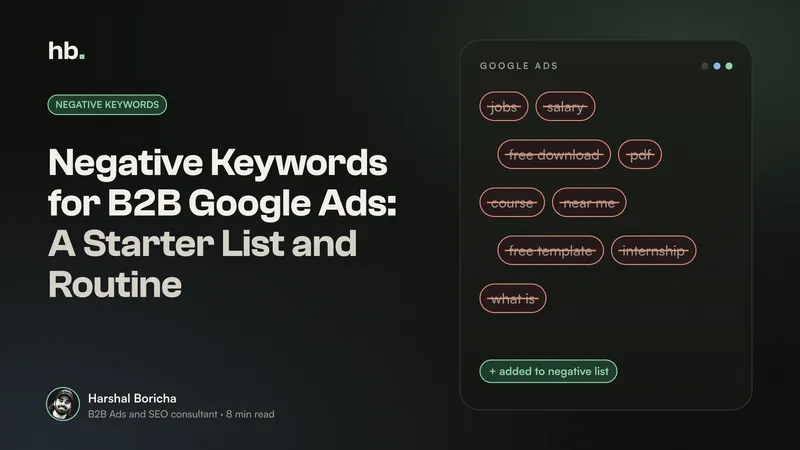
- Job seekers. "Logistics software jobs", "SAP consultant salary", "careers at [competitor]". Anyone who sells to a profession also attracts people who want to join it.
- Students. "What is ERP pdf", "CRM project for MBA", "cloud computing notes". Searches like these look relevant to the algorithm, but the person behind them has no budget.
- DIY and free intent. "Free invoice template", "how to build a warehouse layout in Excel". They want to solve it themselves.
- Consumer intent. A B2B industrial cleaning company showing up for "home deep cleaning near me" is a classic, expensive mistake.
- Spam and bots. Fake form fills that look like conversions and teach Google to find more of the same.
None of this is fixed by a bigger budget. It is fixed by telling Google, very clearly, who you want and who you don't. I've written a separate guide with a full starter list of negative keywords for B2B Google Ads, so I'll keep this section short.
Measure qualified leads, not form fills
This is the single biggest change I make when I take over Google Ads for B2B accounts. If your conversion action is "form submitted", Google will get very good at finding people who submit forms. That includes students, vendors pitching you and bots.
Google's own lead generation guidance agrees. It recommends optimising to one lead specific goal, such as a qualified lead, having at least 15 of those conversions in the last 30 days, and uploading offline conversions regularly, ideally every day (Google Ads Help).
The mechanism for this is enhanced conversions for leads. The Google tag sends a hashed version of the email from your form, your CRM stores the lead, and when sales marks it as qualified you send that hashed data back so Google can link the outcome to the ad click (Google Ads Help). If you have not set this up yet, my guide on tracking B2B leads to revenue with GA4, offline conversions and your CRM walks through it.
A simple stage map I use, with hypothetical values you would replace with your own:
| Stage | What it means | Example value to import |
|---|---|---|
| Form fill | Someone submitted a form | Tracked, not bid on |
| Marketing qualified lead | Right company size and role | INR 2,000 |
| Sales qualified lead | Sales confirmed need and budget | INR 10,000 |
| Opportunity | Proposal or demo stage | INR 40,000 |
If you can assign values like these, Google suggests value based bidding. If you can't, target CPA on qualified leads is the fallback (Google Ads Help). Either is far better than bidding on raw form fills.
A campaign structure that fits B2B Google Ads
I keep B2B structures simple and split by intent, not by every product variant. Say you sell warehouse management software to mid-sized distributors. I would start with something like this:
| Campaign | What it targets | Why it is separate |
|---|---|---|
| Brand | Your company and product names | Cheap, high intent, protects you from competitors bidding on your name |
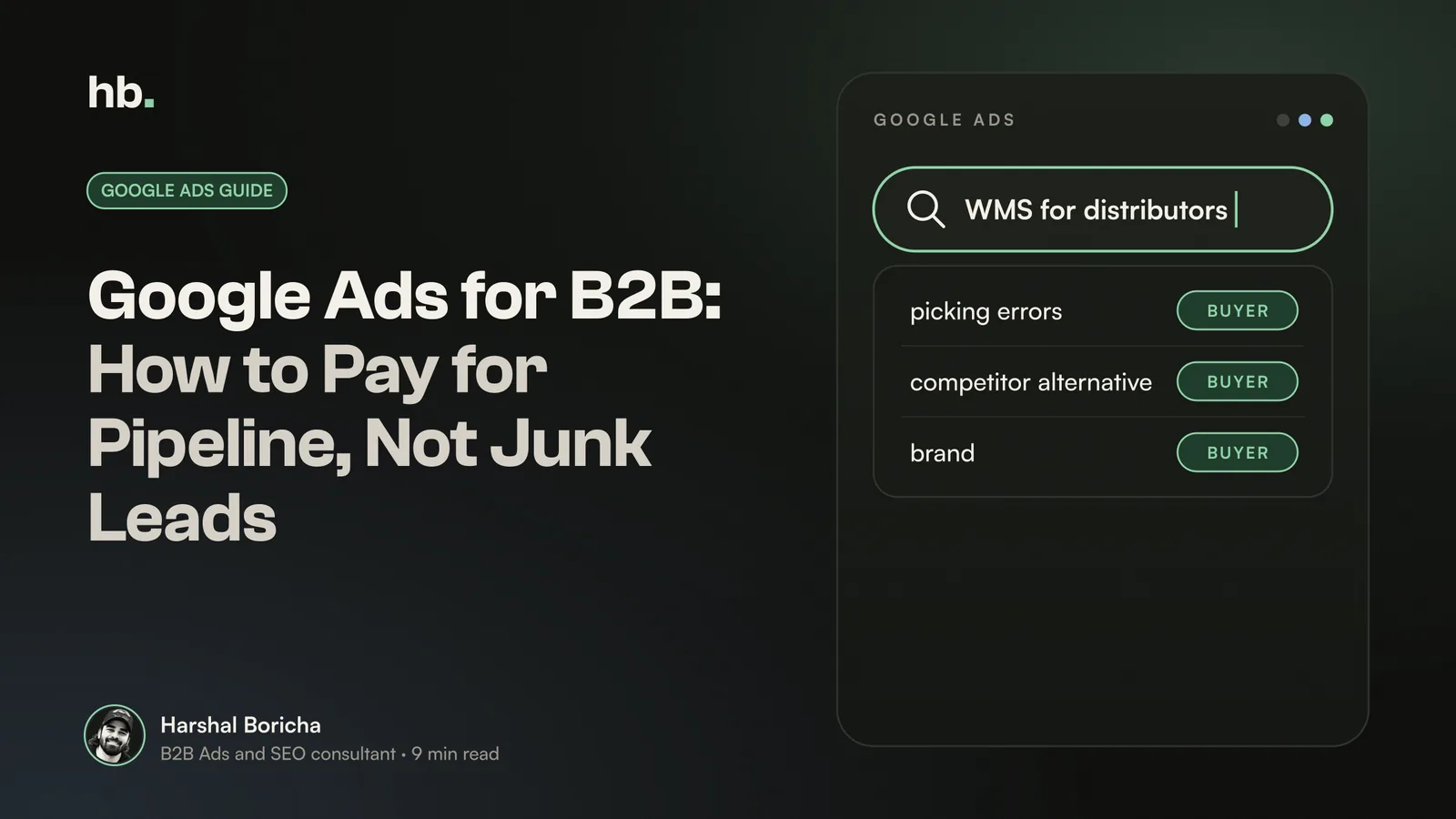
| Solution, high intent | "warehouse management software", "WMS for distributors" | Core budget, tightest control |
| Problem and category | "inventory accuracy problems", "reduce picking errors" | Earlier in the journey, judged on qualified leads over a longer window |
| Competitor alternatives | "[competitor] alternative" | Different messaging and usually a higher cost per lead |
| Remarketing | Past visitors and CRM lists | Keeps you in front of a buying committee during a long cycle |
Separate campaigns mean separate budgets, so your best keywords are never starved by experimental ones. They also make reporting honest: you can see that brand looks brilliant and category looks weak, instead of one blended number that hides both.
Keyword choice matters more than structure. If you have not mapped buyer language yet, start with my guide on B2B keyword research.
Match types: what I actually use
Google's position is clear: it recommends broad match paired with Smart Bidding, because broad match gives the bidding system more searches to learn from (Google Ads Help). Broad match can also consider your landing pages and other keywords in the ad group when deciding what to match.
That works when Google knows what a good outcome looks like. In a new B2B account, it usually doesn't. So my sequence is:
- Start with phrase and exact match on your highest intent terms, with a strong negative list in place from day one.
- Get qualified lead data flowing from your CRM back into Google Ads.
- Test broad match in one campaign once that campaign has steady qualified conversions, and watch the search terms closely for two to four weeks.
- Keep broad only where it brings new qualified searches, not just more clicks.
This is also roughly the order Search Engine Land recommends for lead generation accounts: start controlled, then move to Smart Bidding and broad match once the data is there (Search Engine Land).
Bid on qualified leads, not cheap leads
A cheap cost per lead in B2B often means you are buying the wrong people. I would rather see INR 6,000 per lead where half become opportunities than INR 800 per lead where none do.
A few practical rules I follow:
- Set targets from your own data. Work out what you can afford per sales qualified lead from deal size and close rate, then set target CPA or target ROAS from that.
- Give Smart Bidding enough volume. If one campaign gets three qualified leads a month, it cannot learn. Consolidate before you automate.
- Count calls carefully. Some buyers would rather call than fill a form. Track calls, but only count ones long enough to be real conversations; Search Engine Land suggests over 60 seconds as a starting rule.
- Don't change targets every few days. Qualified lead data arrives days or weeks after the click. Make one change, then wait.
Buying cycles are also shorter and less loyal than many teams assume. A Google survey of over 2,000 senior US business buyers found about three quarters complete their purchase within 12 weeks, and 58% had switched vendors in the past six months (Digital Commerce 360). If you are not visible while they search, someone else is.
On B2B Google Ads benchmarks: WordStream publishes annual industry averages for click-through rate, cost per click, conversion rate and cost per lead, based on more than 16,000 campaigns across 23 industries (WordStream). They are useful context. But a "lead" in a benchmark is not a qualified lead in your CRM, so your real benchmark is your own cost per qualified lead, tracked month on month.
Landing pages that filter as well as convert
A good B2B landing page does two jobs: it convinces the right buyer and it gently turns away the wrong one. Most pages only try the first.
What I look for:
- Say who it is for. "Built for distributors with 5 or more warehouses" filters better than any negative keyword.
- Ask one or two qualifying questions. Company name, role and team size are usually enough. Each extra field costs conversions, so choose carefully.
- Use a work email field where it makes sense. It cuts students and personal enquiries, though some genuine Indian SMB buyers do use personal email, so test it.
- Block bots. Google recommends lead verification such as reCAPTCHA or server side validation (Google Ads Help).
- Match the search. Someone who searched "WMS for pharma distribution" should land on a page that talks about pharma distribution.
Performance Max for B2B: proceed with caution
Performance Max can work as part of Google Ads for B2B, but it is the campaign type most likely to quietly fill your CRM with junk. It optimises to whatever you call a conversion across Search, YouTube, Display, Gmail and more. If that conversion is a raw form fill, it will find the cheapest form fills it can.
Before I test Performance Max for B2B, these need to be true:
- Offline conversion data is flowing. Search Engine Land's B2B guidance treats offline conversion tracking as essential for Performance Max (Search Engine Land).
- Spam protection is live, so bot submissions never fire the conversion tag.
- Negatives are in place. You can now add campaign level negatives to Performance Max, and account level negatives apply to it too. Note that these negatives only apply to Search and Shopping inventory (Google Ads Help).
- Brand is excluded, so Performance Max doesn't take credit for people who were already searching for you.
- Weak pages are kept out, for example by limiting final URL expansion so blog posts don't become landing pages.
- CRM lists are used as audience signals, ideally of qualified leads or customers rather than every contact.
If those boxes are not ticked, keep the budget in Search.
A weekly checklist for B2B Google Ads
Thirty to forty five minutes a week is enough for most accounts under INR 5 lakh a month. Here is the routine:
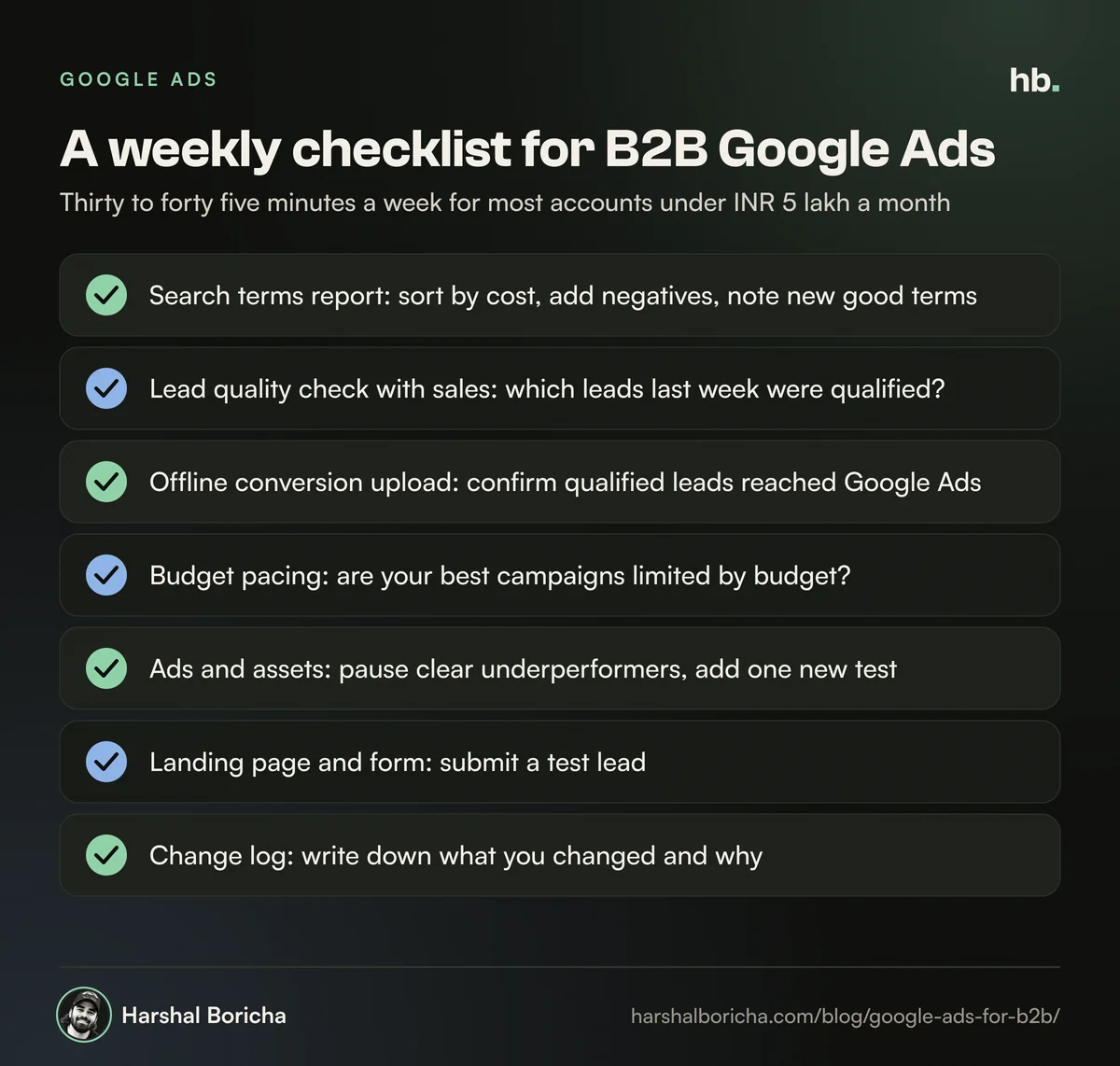
- Search terms report. Sort by cost, add negatives, note any new good terms.
- Lead quality check with sales. Which leads from last week were qualified? Any patterns in the bad ones?
- Offline conversion upload. Confirm the latest qualified leads reached Google Ads.
- Budget pacing. Are your best campaigns limited by budget while weaker ones spend freely?
- Ads and assets. Pause anything clearly underperforming, add one new test.
- Landing page and form. Submit a test lead. Broken forms happen more often than you would think.
- Change log. Write down what you changed and why, so next week's review has context.
How I run Google Ads for B2B clients
I start every engagement with an audit of tracking and search terms before touching bids, because that is where most of the waste hides. Then I rebuild around qualified leads, connect the CRM, and only then scale. You can see the detail on my B2B Google Ads management service.
Google is rarely the only channel. For many B2B companies, search catches active demand while LinkedIn reaches the buying committee before they search. If you are weighing the two, read Google Ads vs LinkedIn Ads for B2B, or look at my LinkedIn Ads for B2B service. If you would like a second pair of eyes on your account, you can book a call.
The short version
- Most wasted spend in Google Ads for B2B comes from job seekers, students, DIY and consumer searches, plus spam forms.
- Optimise to qualified leads imported from your CRM, not raw form fills.
- Keep structure simple and split by intent: brand, high intent, category, competitor, remarketing.
- Start with phrase and exact match, then test broad match once qualified data is flowing.
- Treat Performance Max as a later step, with negatives, brand exclusions and spam protection in place.
Frequently asked questions
Does Google Ads work for B2B companies?
Yes, when it targets people already searching for a solution like yours and when you measure qualified leads rather than raw form fills. B2B search volume is small and full of job seekers, students and researchers, so the work is mostly in filtering: tight keywords, strong negatives, qualifying landing pages and feeding sales outcomes back into Google Ads.
What is a good budget for B2B Google Ads in India?
There is no universal number. Work backwards from your cost per qualified lead and how many qualified leads sales can handle each month. Google suggests a lead goal should have at least 15 conversions in 30 days for its bidding to work well, so your budget should be able to buy roughly that many of the conversion you optimise for.
Should B2B companies use Performance Max?
Only after Search is working and you are importing qualified lead data from your CRM. Performance Max optimises to whatever you call a conversion, so if that is a raw form fill it can find cheap, low quality or spam leads. Add account-level negatives, brand exclusions and spam protection before testing it.
Which match type is best for B2B Google Ads?
Google recommends broad match paired with Smart Bidding. For most B2B accounts I start with phrase and exact match until the account has reliable qualified lead data, then test broad match in a controlled way. Broad match without good conversion signals tends to drift into job, education and consumer searches.
What should a B2B Google Ads conversion be?
A sales qualified lead or a later stage such as an opportunity, imported from your CRM. Google's own lead generation guidance recommends optimising to a single lead specific goal, such as a qualified lead, and uploading offline conversions regularly, ideally every day.
Sources
- Best practices for generating high-quality leads (Google Ads Help)
- About keyword matching options (Google Ads Help)
- About enhanced conversions for leads (Google Ads Help)
- Negative keywords in Performance Max campaigns (Google Ads Help)
- Why Performance Max for lead generation often fails and how to make it work (Search Engine Land)
- Performance Max for B2B: best practices (Search Engine Land)
- 2025 Google Ads Benchmarks by industry (WordStream)
- Google survey: Faster, AI-driven research is reshaping B2B buying behavior (Digital Commerce 360)

B2B Ads and SEO consultant in Mumbai. Nine years in performance marketing, working only with B2B teams. More about me.
Want help with Google Ads?
B2B Google Ads management by Harshal Boricha. Search and Performance Max built around buying intent, qualified leads and pipeline, not cheap clicks.